
PayLinks
Send a Link, Get Paid
Boost customer trust and simplify online transactions.
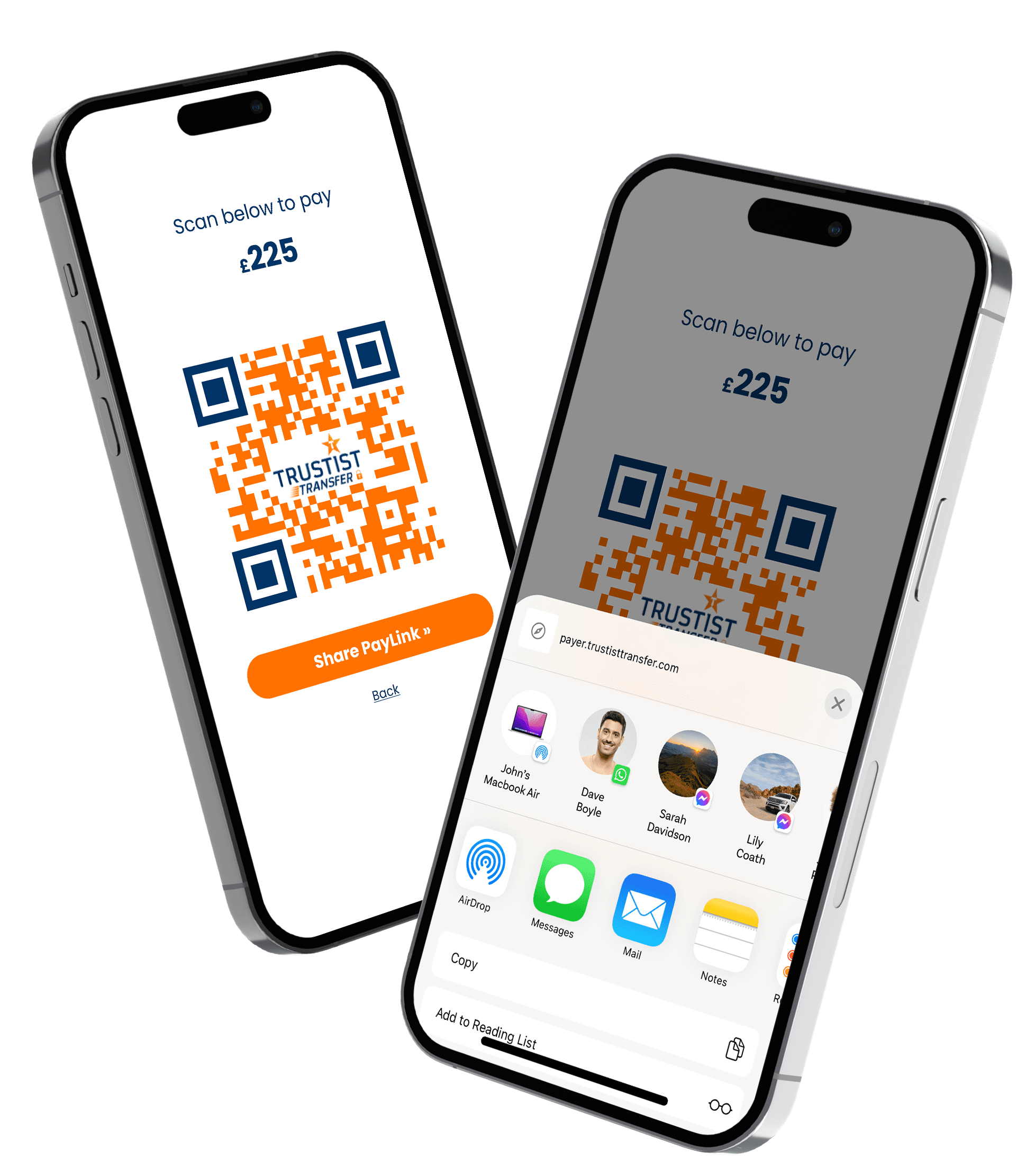
PayLinks can be sent from anywhere – SMS, email or any other messaging service you use.
What are PayLinks?
PayLinks are simply links that you can send to your customer to collect payments. No matter how far you are from your customer, a link can be sent.
- Send PayLinks from anywhere, whether you’re at home, a coffee shop, or on the move.
- Choose your preferred method to send your PayLink - Facebook, SMS, or email, it’s up to you.
- Your customers can easily pay you with just a click; it’s that simple.
Collect a Payment in 3 Easy Steps
1
Create Your Payment
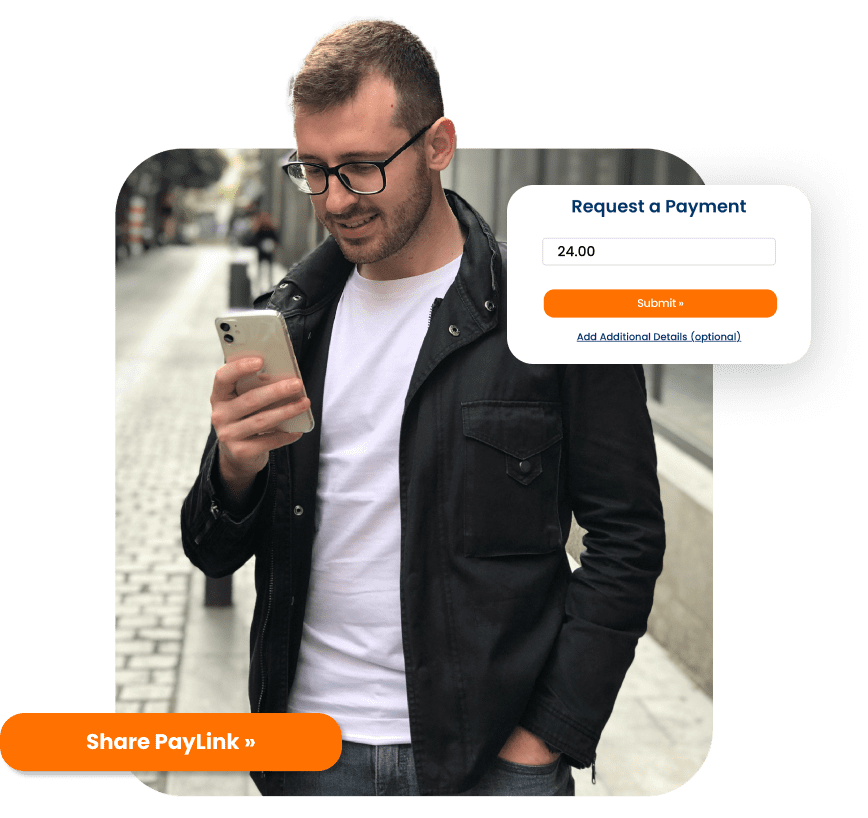
You input the transaction amount into the TrustistTransfer app and hit ‘Submit’.
2
Share the PayLink
Send your PayLink via email, SMS or social media.
3
The Customer Pays
The customer will the click the PayLink on their phone, allowing them to pay you securely through Open Banking.
Frequently Asked Questions
When your customer clicks the PayLink they will be taken to a screen where they can select their bank from the list, they will then be redirected to their banking app to confirm and make the payment.
To prevent potential fraudulent activity, the TrustistTransfer PayLinks expire after 15 minutes. If 15 minutes passes and the payment has not been made, a new PayLink can be regenerated to complete the transaction.
The PayLinks, like the QR code, are valid for 15 minutes, however we only recommend sending the link out once unless the customer needs it again to complete the payment.
Sending out the same PayLink more than once can make the payment process fail.
You can accept any credit or debit card that displays a Visa or Mastercard logo, for Open Banking payments we have 80+ major banks supported.
